For my bar scene I needed to make some bottles of drinks and tumblers. I made these first as they would be the most time consuming. Below is a cross-sectional drawing of a cocktail glass I created with the pen tool in
Photoshop. I repeated this process for the tumbler, cocktail shaker and drinks bottles.
This pen drawing was imported into 3ds as an Illustrator path, and then the lathe modifier was applied. I increased the number of segments to get a smoother finish.
I applied a solid glass material from the architect and design library, using the mental ray
renderer.

These are to other Items that I made in exactly the same way.
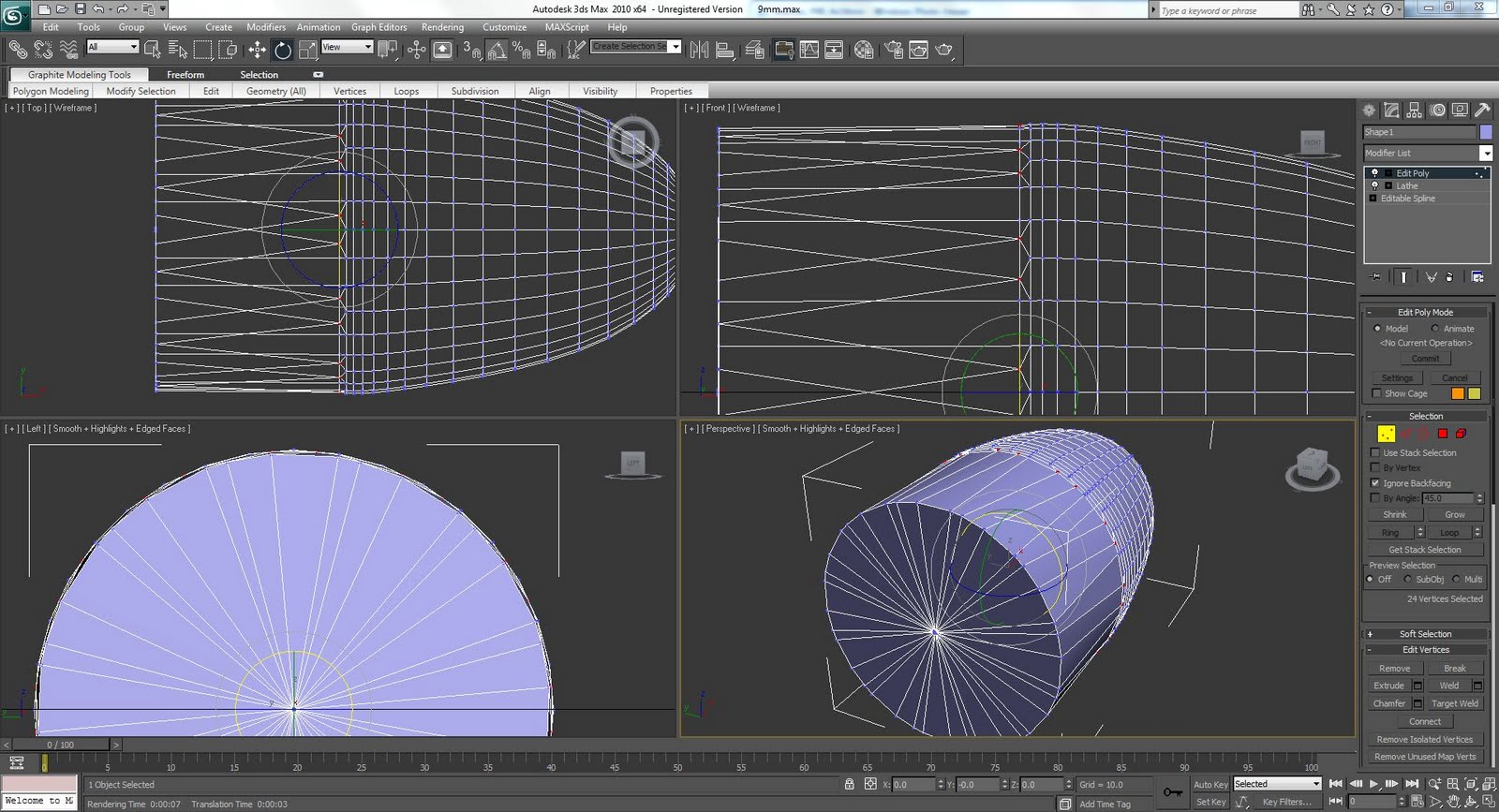
To make the bar scene I created three walls using the box tool from the standard primitive tab. I used a plane for the flooring and a large cylinder with two top segments for the bar itself. I converted the cylinder into an editable poly and removed the back polygons.
The table is constructed from a cylinder with a chamfer around its top edge and a thinner cylinder with a taper modifier for the central leg.

I moved the scene bar about to make it fit in the corner and added a base to the table, which is constructed out of another cylinder with a taper modifier applied to it. I added three spotlights over the bar and two
omni lights to light the rest of the room. I adjusted the intensity to get the desired effect.

To make the back shelf behind the bar I created a box with six width segments and three height segments and moved the edges about so that I could delete the inner polygons which make up the opening. I then selected all of the edges that I had deleted and holding shift, and using the section tool, created new edges which formed the inside of the shelf. I then capped these ends off to make the back face. I simply used clone instance to make the second shelf.

I positioned the glasses and bottles around the bar using clone and set the number of copies that I wanted.

I applied different materials and adjusted them until the scene looked right.